
Who this is for: Students, researchers, journalists, and anyone submitting writing that uses another author’s exact words.
What you need: Your draft, the exact version of each quoted source, and the citation style your reader requires. You will need to open the source itself, not rely on notes, a clipped passage, or a search preview.
A direct quote makes two claims. First, that these are the author’s words. Second, that the words support the point in your sentence. Check both before you submit.
1. Open the source version you used
Open the edition, article version, recording, transcript, or web page you actually consulted. Do not compare your draft with a quotation copied into notes from another source.
For a book, check the edition and publication year on its title or copyright page. Page numbers can differ between editions, translations, reprints, and ebook formats. For a journal article, use the published article rather than an abstract or database preview. For a web page, record the page title, site or publisher, and URL while it is open.
If you cannot access the original, do not write as if you read it firsthand. Find it through a library, ask the source holder for access, or cite the work you actually read under your required style.
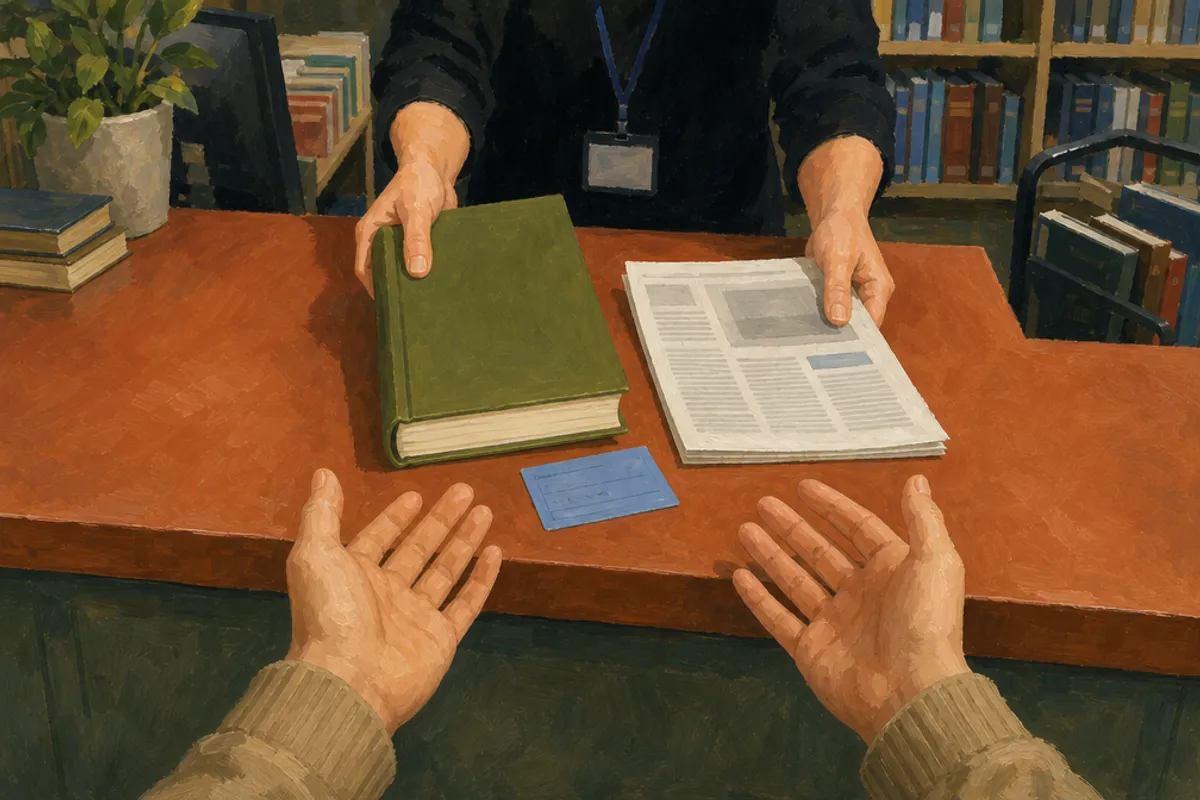
2. Locate the full passage
Search the source for a distinctive phrase from the quotation. Then read the full sentence and the material around it. A search result may lead to a repeated phrase, footnote, updated page, or contents listing.
Confirm the passage with at least two details:
- the first few words of the quote
- the author, speaker, chapter, or section title
- the page, timestamp, paragraph, or heading in your notes
- the argument immediately before and after the passage
For a source without page numbers, use the most stable locator your style permits. This may be a chapter, heading, table number, paragraph number, or timestamp. APA’s guidance on direct quotations explains options for sources without page numbers.
3. Compare the quotation character by character
Read your draft against the source slowly. Follow each word with a finger, cursor, or ruler. This catches small changes that matter, such as a missing “not,” a changed verb tense, or a swapped pronoun.
| Item to compare | What to check |
|---|---|
| Words | Missing, added, substituted, or reordered words |
| Spelling and capitalization | Changes that alter wording or meaning |
| Punctuation | Commas, question marks, quotation marks, and endings |
| Names and numbers | Initials, dates, measurements, and proper nouns |
| Paragraph breaks | Whether the break changes how the passage reads |
Correct transcription errors in your draft. Preserve historical spelling and apparent errors in the source unless your required style gives a specific way to identify them. Do not silently modernize an author’s language.
The MLA Style Center’s guidance on integrating quotations is useful when you need to fit quoted words into your own sentence grammar.
4. Read across every ellipsis
An ellipsis shows that words have been omitted. It is not a general signal that a quotation has been shortened. Read the complete sentence or paragraph and identify what the removed words do.
Check whether the omission removes:
- a limit, such as “sometimes” or “in this case”
- a contrast introduced by “but,” “however,” or “although”
- evidence that narrows the author’s conclusion
- a change in speaker, time, or subject
For example, consider this source sentence: “The policy may reduce delays in small offices, but it does not address staffing shortages.” Quoting only “The policy may reduce delays” would not support a claim that the policy solves delays generally.
Follow the ellipsis rules in your assigned style. Styles handle punctuation and omissions differently. The Chicago Manual of Style Citation Quick Guide can help you identify the citation system an instructor, editor, or publication has requested.
5. Identify your changes to the quote
Mark every intervention you made. Check brackets, italics, bold type, adjusted capitalization, and inserted clarifications. A reader should be able to distinguish the source’s language from yours.
Use brackets only where your citation style permits them and only to make grammar or reference clear. If a source says “they were delayed,” you might write “[the participants] were delayed” when the source makes that reference unambiguous. Do not use brackets to turn a vague statement into a stronger one.
If you add italics or bold, identify the added emphasis using the convention required by your style, often “emphasis added.” Do not use that label when the emphasis appears in the source. Also compare apostrophes, accents, smart quotation marks, and non-English characters with the original. PDF copying often changes them.
6. Confirm the locator independently
Check the page number, paragraph, heading, or timestamp after you have verified the words. A locator in an old note can be wrong even when the quotation is accurate.
For a book or article with pages, go to the cited page and confirm that the passage appears there. If the quote crosses pages, format the page span according to your required style. For an online article, use paragraph numbers only if the page provides numbered paragraphs. Otherwise, a section heading and paragraph count may be more useful than an invented paragraph number.
For audio or video, replay the relevant seconds. For an interview, establish whether you are quoting a recording, a transcript, or your notes from the conversation. Record enough detail for another reader to find the passage later: author, title, version or edition where relevant, and locator.
7. Test the claim around the quote
Read your full sentence aloud, then read its paragraph. Ask one direct question: does this quotation support the exact claim I make?
A quotation can be accurate but misused. A writer discussing a possibility does not necessarily support a claim of established fact. A critic describing another person’s view is not necessarily endorsing it. A result from one setting may not justify a claim about all settings.
Check four connections:
- Speaker: Is the named person or organization actually the author or speaker?
- Scope: Does your sentence make the source sound broader or more certain?
- Context: Do nearby sentences change the meaning of the words?
- Grammar: Does the quotation fit your sentence without creating a different meaning?
If a quote requires a long explanation, summarize the source’s point in your own words and quote only the distinctive phrase that matters. Keep your analysis separate from the source author’s language.
8. Search the final draft for missed quotes
Use document search to find opening quotation marks, block quotes, and citation placeholders. Review every result against your source list. Then search each quoted author’s surname. This can reveal a paraphrase or quote that lost its citation during revision.
Before submission, run your own draft through Silvertext’s citation and writing checks. A checking tool can surface citation inconsistencies and similar phrasing for review. It cannot decide whether context is fair. Similarity evidence and AI-likelihood signals are estimates that need human interpretation.
Save a clean final copy. Keep source PDFs, links, notes, and recordings until the work has been reviewed.
Before you submit: quotation review checklist
- I opened the original source version for every direct quote.
- Every quoted word, number, name, and punctuation mark matches the source.
- I read the full sentence or paragraph around every quote.
- Each ellipsis preserves the source’s meaning and follows my required style.
- Brackets, capitalization changes, and added emphasis are visible and properly noted.
- Every quote has the correct page number, paragraph, heading, or timestamp.
- My sentence does not overstate what the quoted source supports.
- Every direct quote has a matching bibliography or works cited entry.
- I retained the source details needed to answer a follow-up question.


