
Paragraph citations get most of the attention. Attribution gaps often sit elsewhere: in a table built from a report, a chart redrawn from another source’s data, a saved photograph, or a footnote that makes a factual claim.
This guide is for students, researchers, and professionals reviewing their own draft before it leaves their hands. You need the finished document, the reference list, and access to the sources behind each table, visual, caption, and note.
1. Make a non-body inventory
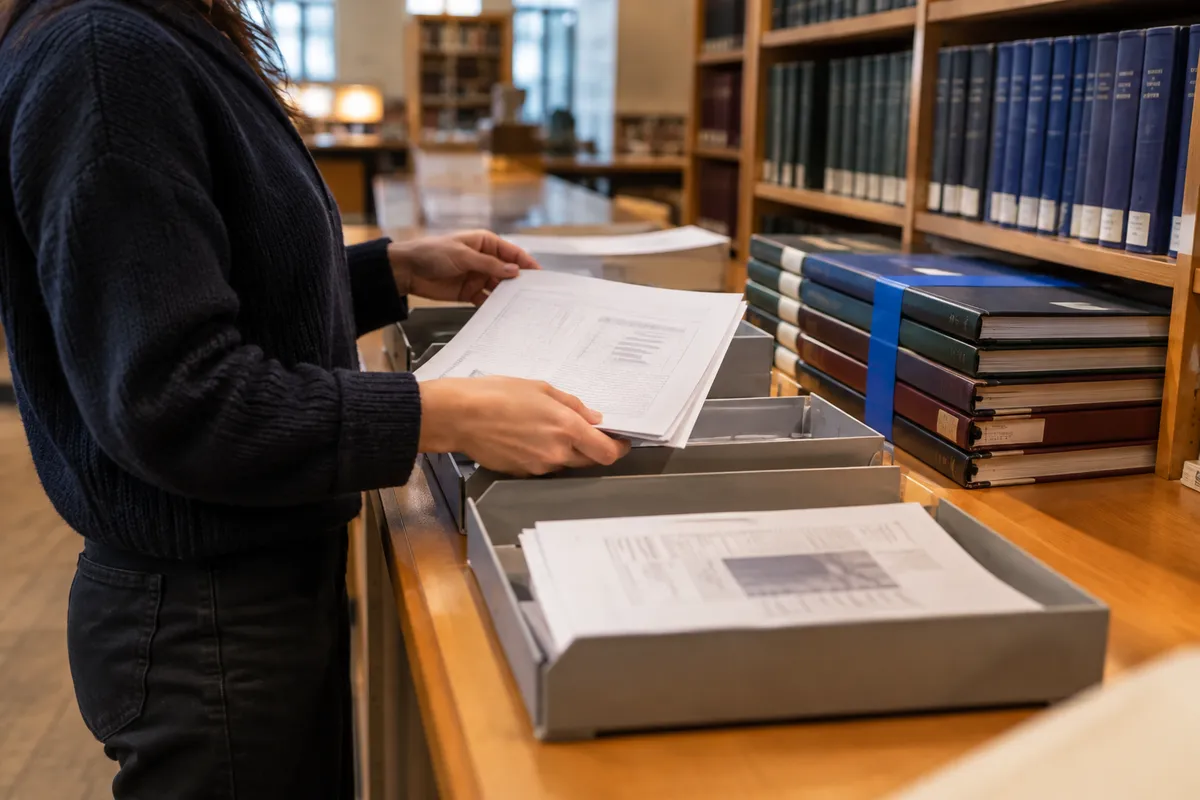
Open the draft in its final layout, preferably as a PDF. Go page by page and list every item that is not ordinary body prose: tables, figures, charts, diagrams, photographs, maps, screenshots, captions, table notes, figure notes, footnotes, and endnotes.
Give each item a label, such as “Table 2,” “Figure 4,” or “Footnote, page 7.” Then record its origin. Use plain categories: your own observations, your own calculations, outside data, another person’s visual, or an image made by someone else.
Do not rely on memory. A table may need attribution even when you entered every cell yourself. If the values came from a report, dataset, or article, readers still need to know that. A chart may also require a separate credit if you reused or closely followed someone else’s visual design.
2. Classify what you did to each visual
For every table and figure, choose the description that best matches the work. This is not just a wording choice. It tells readers whether they are looking at your display, someone else’s work, or a changed version of it.
| What you did | What the reader needs | Typical source line |
|---|---|---|
| Created the display from your observations or calculations | A clear label, plus citations for outside data or methods | “Source: Author’s calculations based on …” |
| Built a new table or chart from another source’s data | The data source and a statement that you made the display | “Data from …; chart created by the author.” |
| Changed another author’s table, chart, map, or diagram | A citation and wording that identifies an adaptation | “Adapted from …” |
| Used the item much as published | A full credit and any required permissions information | “Reproduced from …” |
| Used a photograph, artwork, screenshot, or map | Creator, title or description, source location, and licence or rights details when relevant | Follow the required style and source terms |
Use “adapted” only when you made a meaningful change. Combining categories, translating labels, redrawing a chart, or removing columns are adaptations. Changing typeface, colour, or size is usually not enough to hide that the original visual was reproduced.
The APA guidance on tables and figures explains how titles and notes work together. Your institution or publisher may require another citation style. The essential question remains the same: what is yours, what came from elsewhere, and where can a reader locate it?
3. Put the attribution beside the item
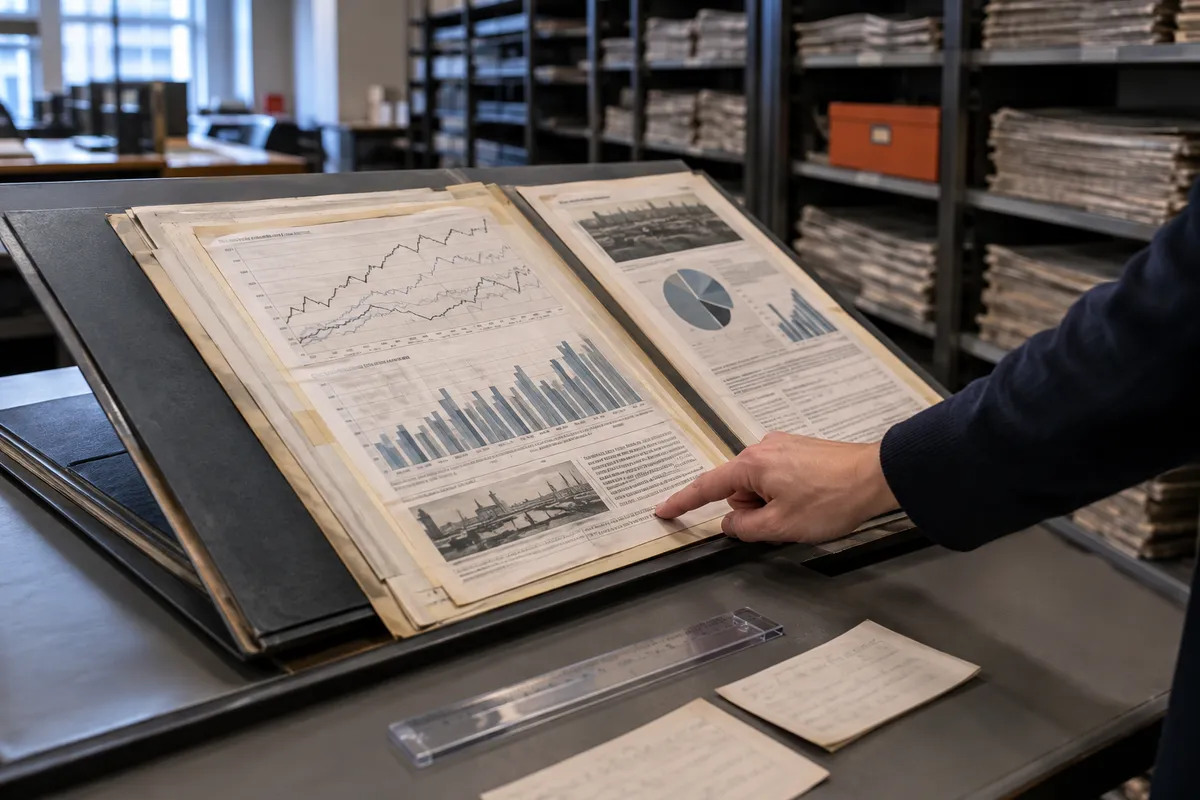
Add the source line where a reader will look for it. Do not make someone search the whole bibliography to learn whether Figure 3 is original, data-derived, adapted, or reproduced.
For tables, the source often appears in a general note directly below the table. For figures, it may appear in the caption or in a note below it. Follow the required style guide first. If no format is specified, write a short source line and include a matching full reference entry.
Use a caption to describe the item first, then give the credit. For example: “Figure 2. Monthly rainfall by site. Note. Author’s chart using data from Patel (2024).” This lets the reader understand the visual before reading a publication record.
Three useful patterns are:
- Your chart using outside data: “Note. Author’s chart using data from Patel (2024).”
- Adapted diagram: “Note. Adapted from Title of Work, by R. Patel, 2024, Publisher or URL.”
- Reproduced photograph: “Image credit: R. Patel, Description of image, 2024, URL. Used under [licence name].”
A reference-list entry may not settle reuse rights for an adapted or reproduced item. Citation and permission are different tasks. The U.S. Copyright Office’s Fair Use Index explains that fair use is assessed case by case. Check the licence, publisher terms, and submission rules rather than treating the phrase “fair use” as permission.
4. Match caption citations to full references
Take every author-date citation, numbered note citation, URL, dataset name, and report title from captions and table notes. Locate its matching entry in the reference list or bibliography.
Check the details that let another person find the same source: author or organisation, title, year, and a specific location or identifier. For an image or dataset, that might be a stable URL, DOI, archive record, or repository landing page. A homepage rarely identifies the exact item.
Then work backwards. Scan the bibliography for datasets, reports, image collections, map providers, and visual works. Confirm that each source is cited beside the relevant table or figure. This catches a common omission: the reference entry exists, but the caption does not point to it.
If you use notes-and-bibliography style, check that the first note identifies the source fully and that later short notes remain unambiguous. The Chicago Manual of Style citation guide shows the difference between notes-based and author-date systems.
5. Read footnotes as claims
Read every footnote and endnote separately. For each one, ask: what claim, wording, interpretation, definition, or borrowed material does this note support?
A note can carry information that never appears in the main paragraph. It may give a historical date, a translation, a methodological detail, a definition, or a quotation below a table. If it says, “Categories follow the 2021 classification,” identify and cite that classification.
Pay close attention to source notes beneath tables. “Compiled from public records” is not enough for a reader to locate the records. Name the agency, report or dataset title, and edition or date. When several sources feed one table, identify all of them. State which rows, columns, or measures come from which source when the connection is not clear.
6. Verify image credits and reuse terms
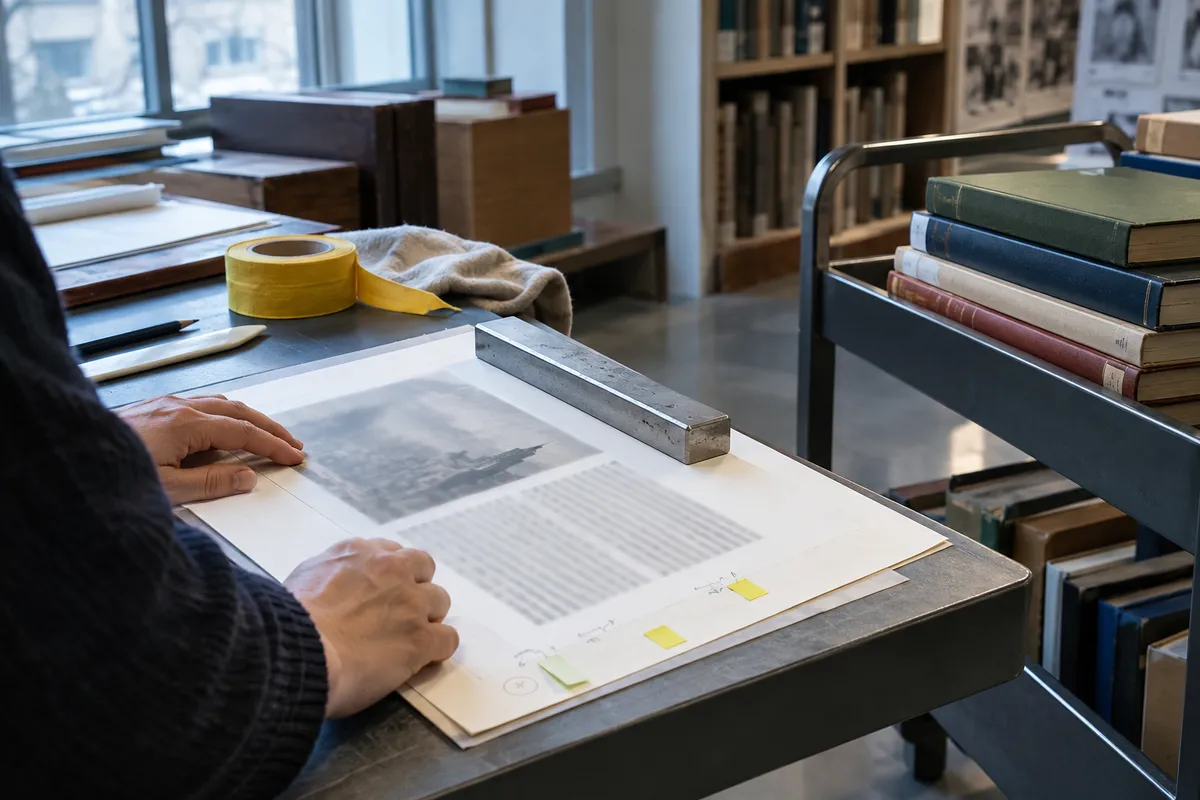
For every non-original image, map, screenshot, or artwork, open the original source page. Record the creator, title or description, date, collection or publisher, permanent link, and stated licence or rights notice. Save a copy or screenshot of the terms with your project files.
A credit line is not automatically permission. An openly licensed item can still require specific credit. Do not infer reuse rights from a public search result, a social media post, or the fact that an image appears in a government report.
If you cannot establish the source or reuse terms, remove the item, replace it with a visual you made from properly cited data, or contact the rights holder. Make that decision before the final formatting pass.
7. Do a visual-only final pass
Ignore the body paragraphs and inspect only tables, figures, captions, notes, and bibliography entries. This keeps a polished argument from distracting you from small attribution gaps.
Confirm that every source line is visible, attached to the right item, and consistent with the required style. Then run the draft through Silvertext’s checking tools as another review pass. Similarity results are evidence to interpret, not a verdict. Use a result to revisit wording or source connections that need a closer look.
Before submitting, check the following:
- I listed every table, figure, caption, image, footnote, and endnote.
- I know whether each visual is original, data-derived, adapted, or reproduced.
- Each non-original table or figure has a nearby source statement.
- Each caption or note citation has a matching full reference.
- My image credits identify the original source and reflect stated licence or reuse terms.
- My table notes name specific datasets, reports, or records.
- Every footnote with a factual claim, quotation, or borrowed definition has support.
- I checked the final submission view for detached captions and cut-off notes.
- I reviewed citation and similarity flags before submitting.


